Get the Camera Shake Preset. To import the preset: copy this 「EVOTOuk54TDTLs6」,paste it to the textbox in Evoto, then click Import.
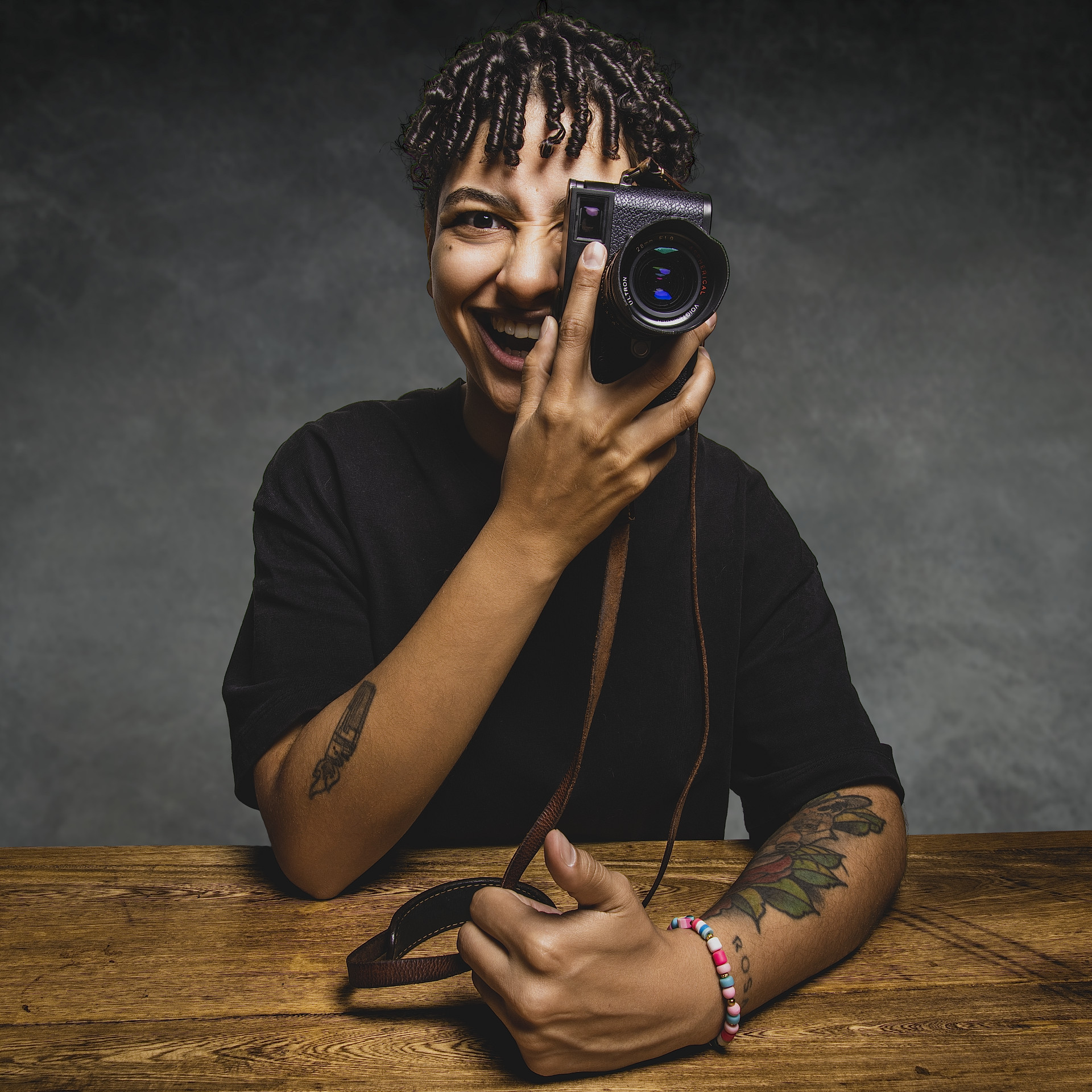
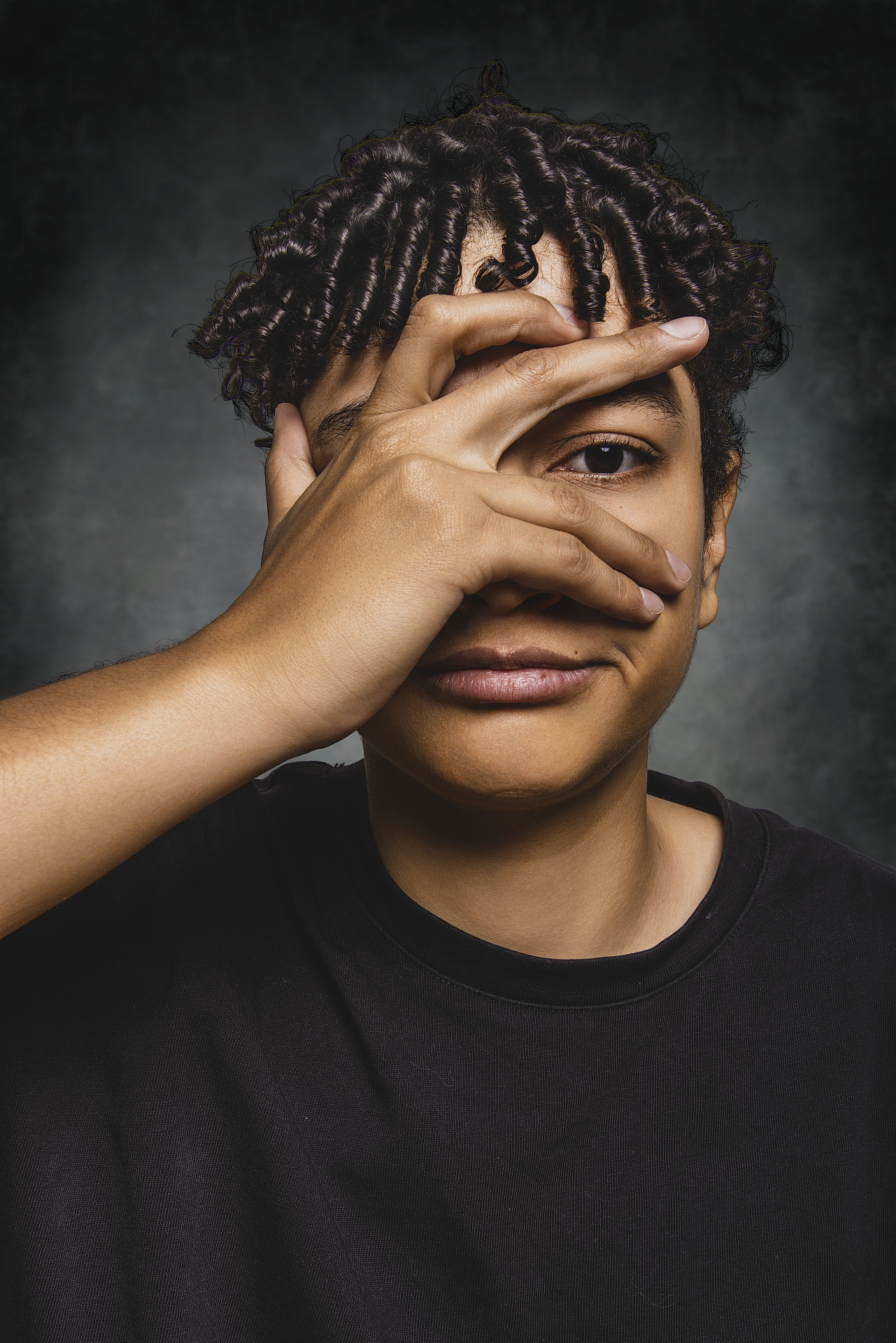
In this episode of Exploring Photography, Mark Wallace get’s a Zoom call from his good friend Kersten Luts of the Camera Shake Photography Podcast. Kersten asks Mark if he can help him streamline his workflow for creating images for his Three Heads In A Row project.
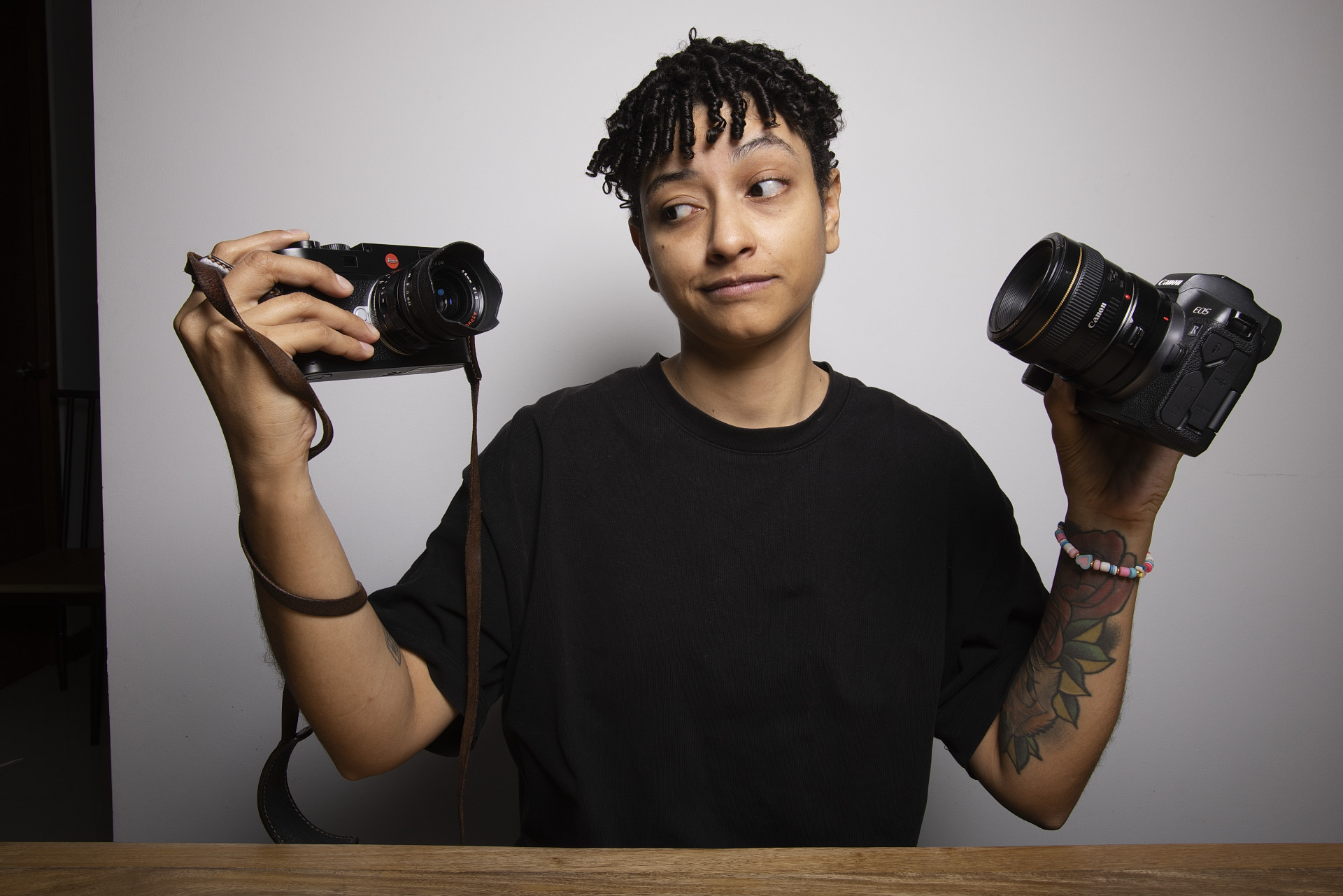
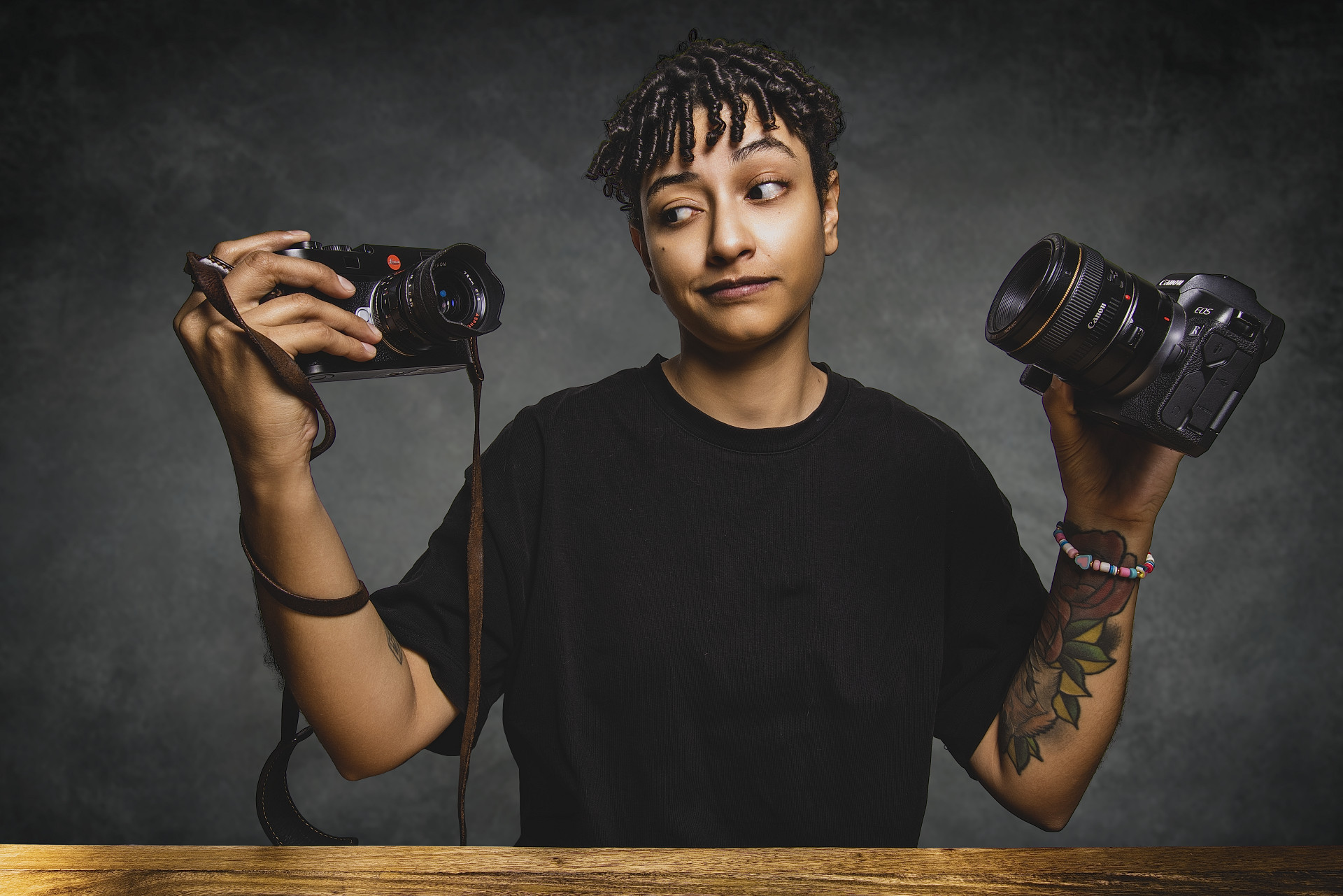
After creating a “foundational” preset, Mark is able to shoot tethered and make similar images in about 5 seconds, vs the 20 minutes that Kersten usually spends editing his pictures. It’s a massive time saver.
You can download Evoto AI and try this out in your own home or studio. Use the discount code: EvotoMarkWallace to save up to 20%. Let us know how it goes!